
Beginner Friendly 

Leverage LFI for RCE and OCI Access
Leverage LFI for RCE and OCI Access is a premium Pwned Labs lab where you exploit local file inclusion in a public web application, escalate it to remote code execution, and then enumerate and abuse Oracle Cloud Infrastructure IAM, Vault and Object Storage to expand your access.
A local file inclusion bug is rarely the end of the story. Turn LFI into remote code execution, then abuse Oracle Cloud Infrastructure IAM and Vault to expand your access.
Overview
A local file inclusion bug is rarely the end of the story. In this lab you will turn LFI into remote code execution, then abuse Oracle Cloud Infrastructure IAM and Vault to expand your access.
Scenario
You are on a red team engagement against Mega Big Tech, whose workloads run on Oracle Cloud Infrastructure. A public web application is in scope. Show how a single file inclusion flaw can lead to cloud compromise.
Lab prerequisites
- Familiarity with the Linux command line
- Familiarity with web application attacks
Learning outcomes
- Exploit local file inclusion and directory traversal
- Escalate LFI to remote code execution
- Abuse a cron job for code execution
- Enumerate OCI with oci-hunter
- Extract secrets from OCI Vault
- Access OCI Object Storage
- Abuse OCI IAM to expand access
Real-world context
Oracle Cloud Infrastructure is less familiar to many attackers and defenders than AWS or Azure, which makes its IAM and Vault services a blind spot. Web application flaws remain a common entry point into cloud estates.
KEY TAKEAWAY
A file inclusion flaw on a cloud-hosted web server can be a route into the cloud tenancy behind it. Once the flaw reaches code execution on the host, any cloud credentials or identity available on that host can be used against services such as IAM, Vault and Object Storage, so the web flaw and the cloud permissions have to be assessed together.
What this lab covers
Pwned Labs provisions a live Oracle Cloud environment for this lab, so you work the full attack chain against real infrastructure rather than a simulation.
The scenario is a red team engagement against Mega Big Tech, whose workloads run on Oracle Cloud Infrastructure, with a public web application in scope. You exploit local file inclusion and directory traversal in that application, escalate the flaw to remote code execution, and abuse a cron job for code execution on the host.
The lab then moves into the cloud. You enumerate the OCI environment with oci-hunter, extract secrets from OCI Vault, access OCI Object Storage, and abuse OCI IAM to expand your access.
It is rated beginner. The listed prerequisites are familiarity with the Linux command line and with web application attacks, so it suits web application testers who want to follow a single file inclusion flaw all the way to cloud compromise.
How file inclusion becomes cloud access
Local file inclusion happens when an application takes part of a file path from user input and then reads or includes that file without properly constraining the path. Directory traversal sequences let the request climb out of the intended directory, so the application can be made to return any file its process is allowed to read.
Reading files is often the first step rather than the last. Depending on the language and on how the application processes the included file, an inclusion flaw can sometimes be escalated to remote code execution, which turns information disclosure into control of the host.
Scheduled tasks are one route to further execution on a compromised host. A cron job runs commands on a schedule with the privileges of the account that owns it, so a job that runs a script or reads a file that a less privileged account can modify can be abused to run commands as the job's owner.
From the host, the attack moves into the cloud. A host can hold an OCI CLI configuration file, kept by default under the user's home directory, that points to a private API signing key, and compute instances can also be authorized to call OCI services directly as instance principals. Whoever controls the host can use that access, and the IAM policies attached to the identity decide what it reaches.
How to detect this in your own environment
At the web layer, watch request parameters for traversal sequences and their encoded variants. This catches unsophisticated attempts, although a determined attacker may find an encoding that the rules do not cover, so detection inside the application is more reliable: a web process opening files outside its expected directories, or starting a shell, is a strong signal.
On the host, monitor changes to crontab entries and to the scripts and files that scheduled jobs run. A file that a privileged job executes should not change outside a deployment, and a change made by the web server's account is a clear warning sign.
In the cloud, the OCI Audit service records calls to supported OCI public API endpoints, so IAM enumeration and Vault requests leave a trail. Audit covers bucket-related Object Storage events but not object-related events, so reads of individual objects appear only if read access logging is enabled for the bucket. A burst of list calls across IAM, or secrets read by an identity that does not normally read them, is worth investigating.
How to prevent it
Do not build file paths for inclusion from user input. Where a file has to be chosen at runtime, map the request to an allow-list of known files, or resolve the full path and confirm it stays inside the permitted directory, instead of filtering the input for bad sequences.
Run the web application as an account with only the filesystem access it needs, and make sure that files executed by cron jobs are writable only by the job's owner. A privileged job that runs a file another account can modify lets whoever controls that account run commands with the job's privileges.
Avoid storing long-lived OCI API signing keys on web servers. Instance principals remove the need for a credential file on the host, although the instance's own permissions then need the same care. In either case, write IAM policies with the narrowest verb and the smallest compartment that work, and limit permission to read Vault secrets to the identities that need each secret.
Real-world context
Oracle Cloud Infrastructure is less familiar to many attackers and defenders than AWS or Azure, which can leave its IAM and Vault configuration less closely reviewed. The underlying pattern is the same across providers: a web application flaw gives a foothold on a host, and the cloud access available from that host decides how far the compromise goes.
Web application flaws remain a common entry point into cloud estates, which is why the file inclusion bug and the cloud permissions in this lab are best treated as one attack path rather than two separate findings.
The pattern maps to MITRE ATT&CK T1190 Exploit Public-Facing Application, T1053.003 Scheduled Task/Job: Cron, T1555.006 Cloud Secrets Management Stores and T1530 Data from Cloud Storage.
Applying this at work
- Search your applications for any place where a file path is built from user input, and confirm each one uses an allow-list or validates the resolved path.
- Check that files run by privileged cron jobs are writable only by the job's owner.
- Look for OCI CLI configuration files and API signing keys on web-facing hosts, and replace them with narrowly scoped identities where you can.
- Review which identities can read secrets in OCI Vault, and scope those policies to specific compartments.
- Confirm that OCI Audit logs are reviewed, and enable Object Storage read access logging on buckets that hold sensitive data.
Frequently asked questions
What is the difference between local file inclusion and directory traversal?
Directory traversal is the technique of using path sequences to escape the directory an application intended to serve files from. Local file inclusion is the vulnerability where the application includes or loads a local file chosen through user input, and traversal is often how the attacker reaches files outside the intended directory.
How can a local file inclusion flaw lead to remote code execution?
If the application interprets the included file as code, an attacker who can get content they control into a file on the server, and then include that file, can have it executed. Whether this is possible depends on the language, the server configuration and which files the attacker can influence.
Why does a compromised web server matter for Oracle Cloud?
Because the server can hold the means to call OCI APIs, either as an OCI CLI configuration with an API signing key or as an instance principal. Control of the host gives an attacker that access, and the IAM policies attached to the identity decide whether they can read Vault secrets, Object Storage data or more.
Do I need my own Oracle Cloud account to practice this?
No. The lab runs in a live Oracle Cloud environment that Pwned Labs provisions for you, so there is nothing to set up and no risk to your own tenancy.
Is Leverage LFI for RCE and OCI Access a free lab?
No. It is a premium Pwned Labs lab rated beginner. If you want to start with Oracle Cloud at no cost, the free Compromise, Recon and Exfiltration in OCI lab covers IAM and Object Storage reconnaissance in OCI.
About Pwned Labs
Pwned Labs is a hands-on cloud and AI offensive security training platform. It runs real-world attack labs and bootcamps for AWS, Azure, GCP, Kubernetes and AI systems, including the ACRTP, MCRTP, GCRTP, KRTP and AISRTP certifications. Free labs are at pwnedlabs.io/explore.
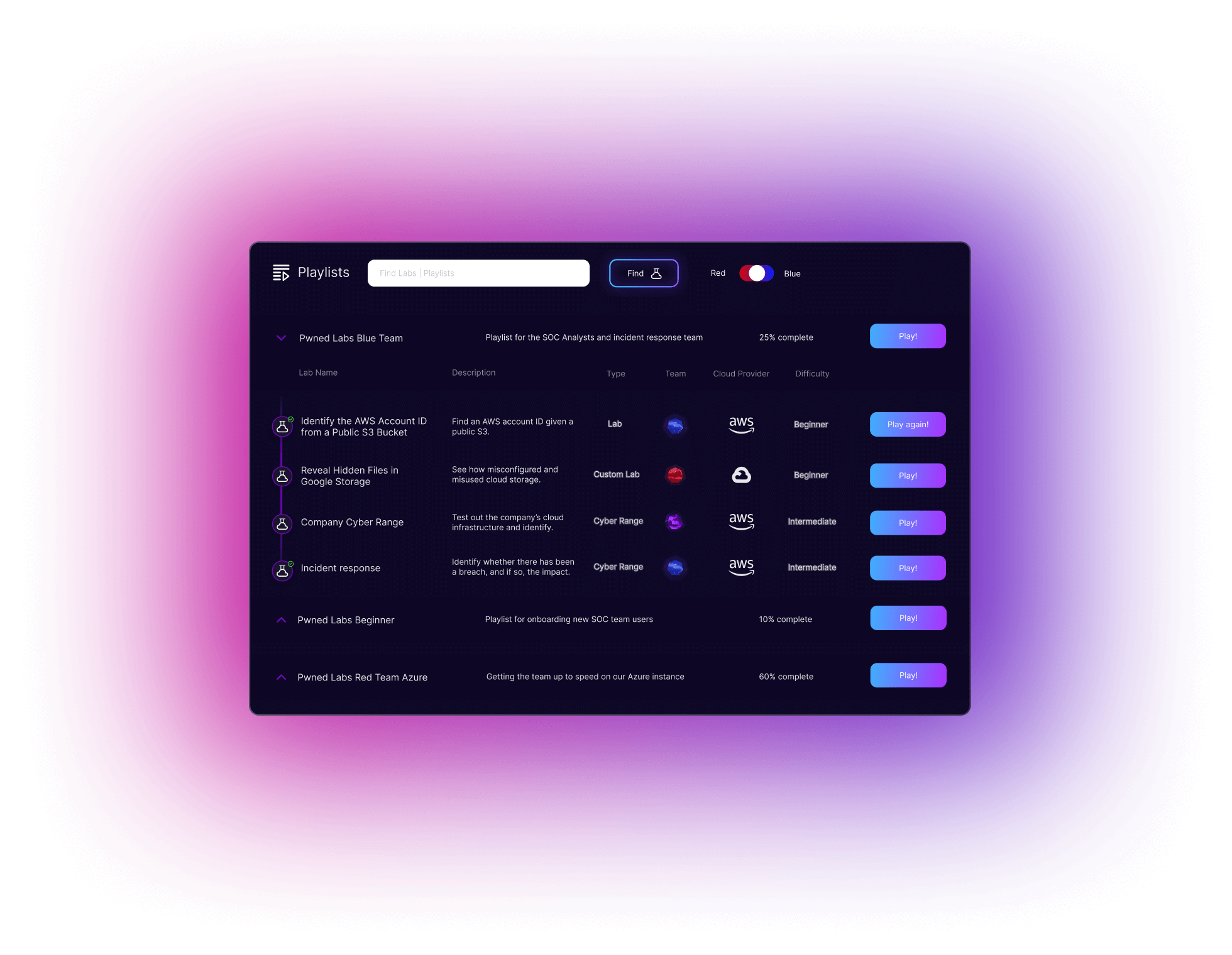
Cloud Security Training To Protect Your Business
Pwned Labs for Business gives your team access to dedicated business content, including labs and cyber ranges.
We also offer in-person or remote workshops, and our cloud penetration services are helping businesses become more secure!