
Key takeaway
Cloud security is not an entry-level role, but it is a reachable one. The foundations come in a specific order: Linux and containers, one cloud provider learned properly, the security principles that govern it, and then the ten technical areas below. This roadmap is the path we would take today if we were starting again, along with specific advice for the five backgrounds people most often arrive from.
This roadmap aligns at a high level with the knowledge areas expected of a cloud security engineer, and is written for people who are new to cloud security and want to do the job. There is no single correct route into cybersecurity or cloud security. Every path is different, and yours will be a positive differentiator rather than a gap to apologize for.
Four things matter more than the order you do them in:
- Learn the foundations well
- Build, break and fix in the cloud
- Reinforce theory through practice
- Keep learning, because it does not stop
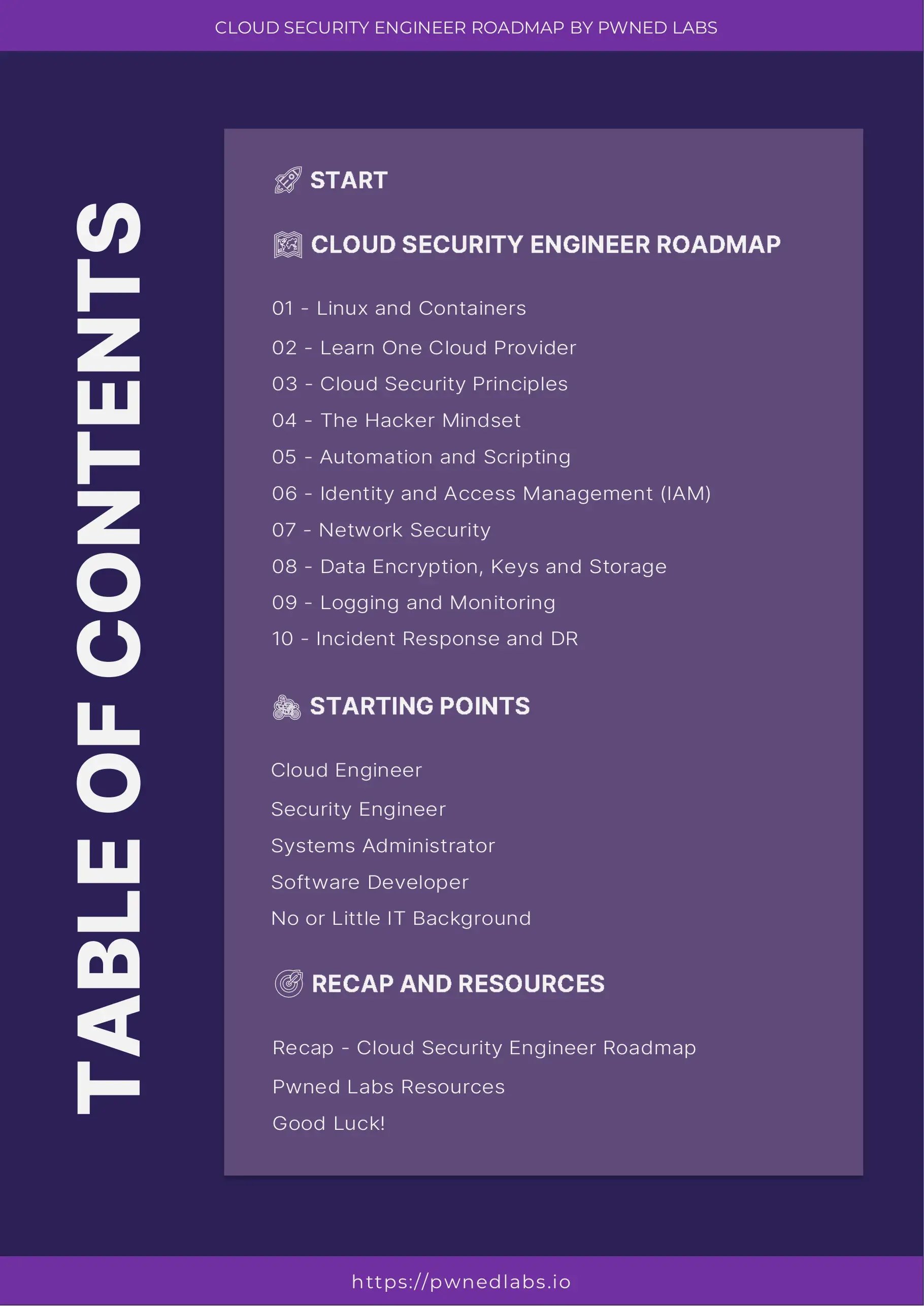
The complete roadmap is below as 23 pages, followed by the full text. It is also available as a PDF to keep, print or share.
The roadmap



The ten areas to learn
Each area below builds on the one before it. The hands-on link at the end of each is where to go and actually do it, because none of this sticks by reading.
01. Linux and containers
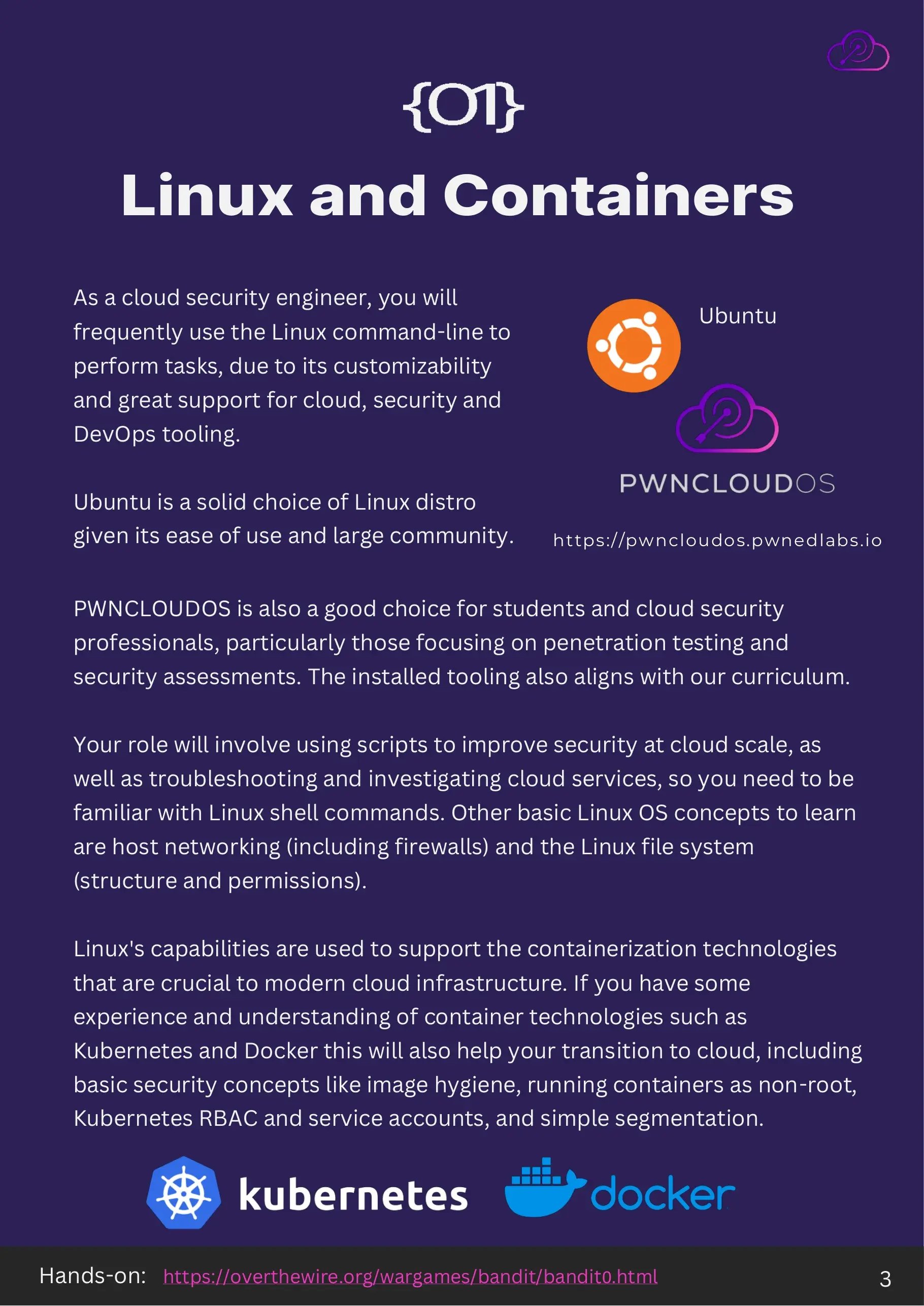
Cloud security engineers live in the Linux command line. It is where the cloud, security and DevOps tooling lives, and it is where you will spend your time troubleshooting services, pulling apart logs and running assessments. Ubuntu is a sensible first distribution because it is easy to start with and has a very large community behind it. If you are moving toward penetration testing and security assessment work, PwnCloudOS ships with tooling that matches this curriculum.
Learn shell commands properly, then the underlying concepts: host networking and firewalls, and the Linux file system, its structure and its permission model. Scripts are how you apply security at cloud scale, and almost all of them start at a shell prompt.
Containers sit directly on top of Linux primitives, so this knowledge carries straight over. Get comfortable with Docker and Kubernetes, and with the security concepts that go with them: image hygiene, running containers as a non-root user, Kubernetes RBAC and service accounts, and basic network segmentation.
Hands-on: the OverTheWire Bandit wargame is the standard starting point for Linux shell practice.
02. Focus on one cloud provider
Migration to the cloud continues to accelerate, and hybrid architectures are now normal. A company founded today is very likely to be cloud native from day one. That makes provider knowledge non-optional, but it does not mean you need all of them at once.
Learning a cloud provider is like learning a programming language. The first one is the expensive one. Once you understand how identity, compute, storage and logging fit together in one provider, the second and third become mostly a matter of new names for familiar ideas. Pick the one your target employers actually run.
For AWS, the services worth knowing first, and more importantly the security implications of each, are IAM, EC2, S3 and ECS. Those four cover identity, compute, storage and containers, which is most of what an attacker will touch.
Hands-on: AWS Cloud Quest: Cloud Practitioner is a free, practical introduction.
03. Cloud security principles
The shared responsibility model is the concept everything else hangs off. The provider is responsible for security of the cloud, meaning the infrastructure that runs the services. The customer is responsible for security in the cloud, meaning how those services are configured and managed. Most publicly reported cloud incidents live squarely on the customer side of that line.
Defense in depth is the second principle. Layer controls so that a single failure does not become a breach, because one of them will eventually fail. Identity, network, data and detection controls should each be able to slow an attacker down on their own.
Least privilege is the third. Identities and services should hold only the permissions they need to do their job. In practice most roles use a small fraction of what their policy permits, which means the gap between granted and used permissions is usually the fastest security win available to you.
Learn more: the AWS shared responsibility model.
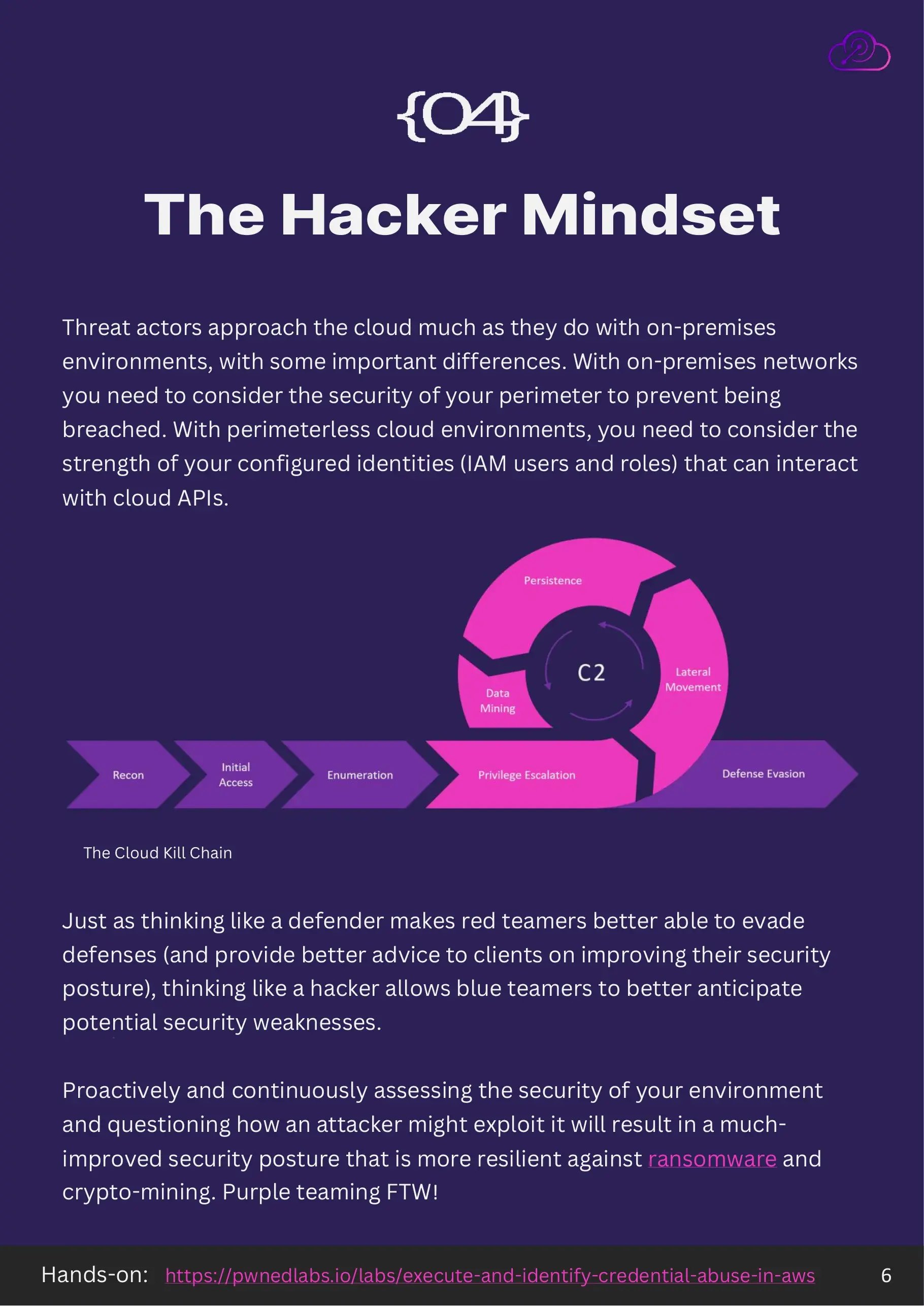
04. The hacker mindset
Threat actors approach the cloud much as they approach on-premises environments, with one important difference. On-premises, you defend a perimeter. In the cloud there is no perimeter to defend, so what matters is the strength of the identities, the IAM users and roles, that are allowed to call the APIs.
Thinking like a defender makes red teamers better at evading detection and better at advising clients. The reverse is just as true: thinking like an attacker lets blue teamers anticipate where the weaknesses will be rather than discovering them during an incident.
Continuously asking how an attacker would exploit your own environment produces a posture that is measurably more resilient to ransomware and cryptomining. This is what purple teaming actually means in practice, and it is the fastest way to build judgment.
Hands-on: Execute and Identify Credential Abuse in AWS.
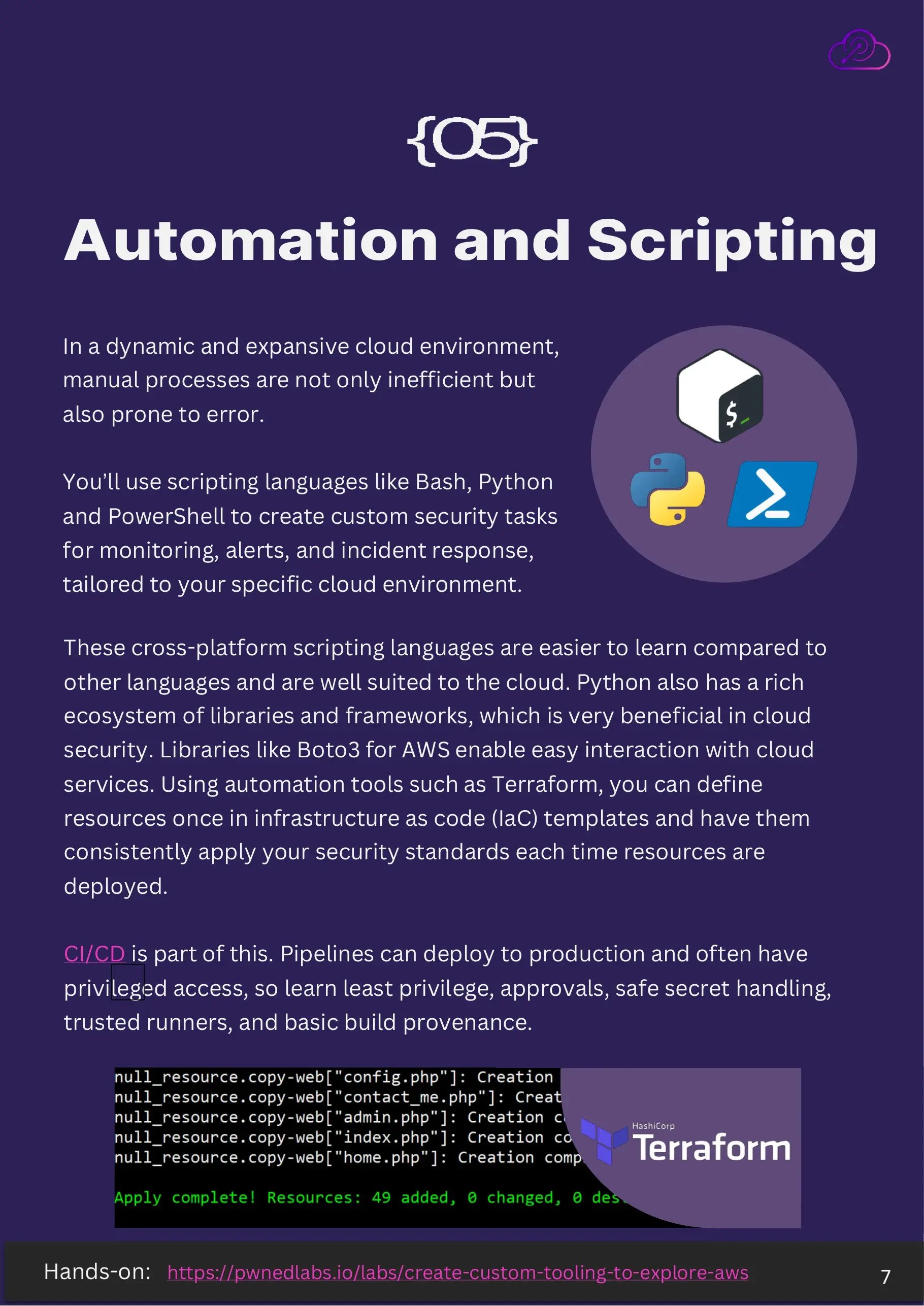
05. Automation and scripting
Cloud environments are dynamic and large. Manual processes are not just slow in that setting, they are unreliable, because a human checking a thousand resources will miss some. Scripting is how security keeps up with the estate.
Bash, Python and PowerShell are the three worth knowing. They are cross platform, easier to pick up than compiled languages, and well suited to cloud work. Python in particular has a deep ecosystem for security, and libraries such as Boto3 make interacting with AWS services straightforward.
Infrastructure as code takes this further. With a tool like Terraform you define resources once and your security standards are applied consistently every time something is deployed, rather than being reapplied by hand and forgotten.
CI/CD is part of the same picture, and it is frequently the weakest part. Pipelines deploy to production and often hold privileged credentials, so learn least privilege for pipeline identities, approval gates, safe secret handling, trusted runners and basic build provenance.
Hands-on: Create Custom Tooling to Explore AWS.
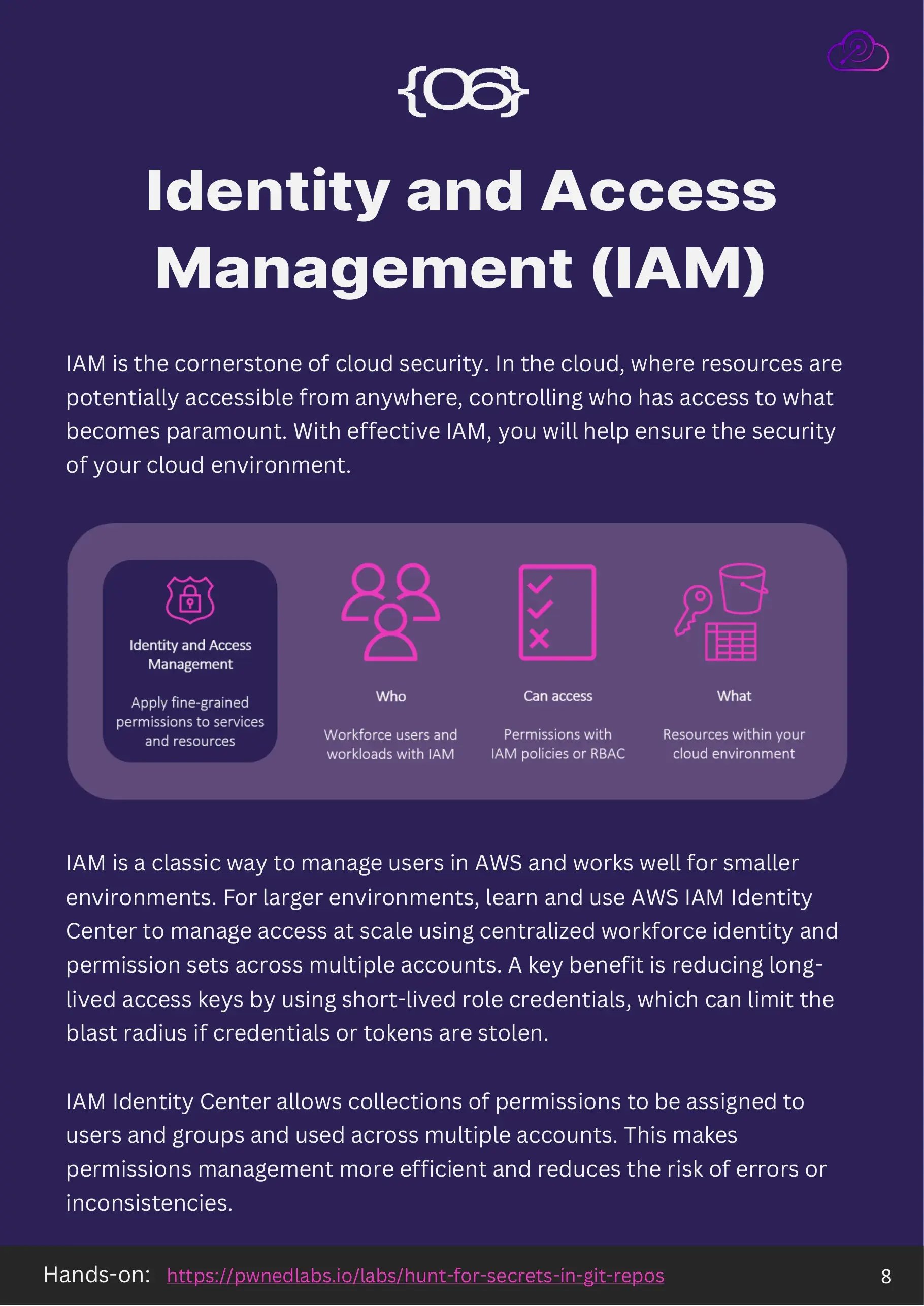
06. Identity and access management
IAM is the cornerstone of cloud security. When resources are reachable from anywhere, controlling who can access what is the control that matters most. Get identity right and a great deal of everything else becomes survivable.
IAM users work well in smaller environments. As the estate grows, move to AWS IAM Identity Center so workforce identity and permission sets are managed centrally across multiple accounts. The security benefit is direct: it replaces long-lived access keys with short-lived role credentials, which limits the blast radius when a credential or token is stolen.
Identity Center also lets collections of permissions be assigned to users and groups and reused across accounts. That makes permission management more efficient and, more importantly, more consistent, which is where the errors usually come from.
Hands-on: Hunt for Secrets in Git Repos.
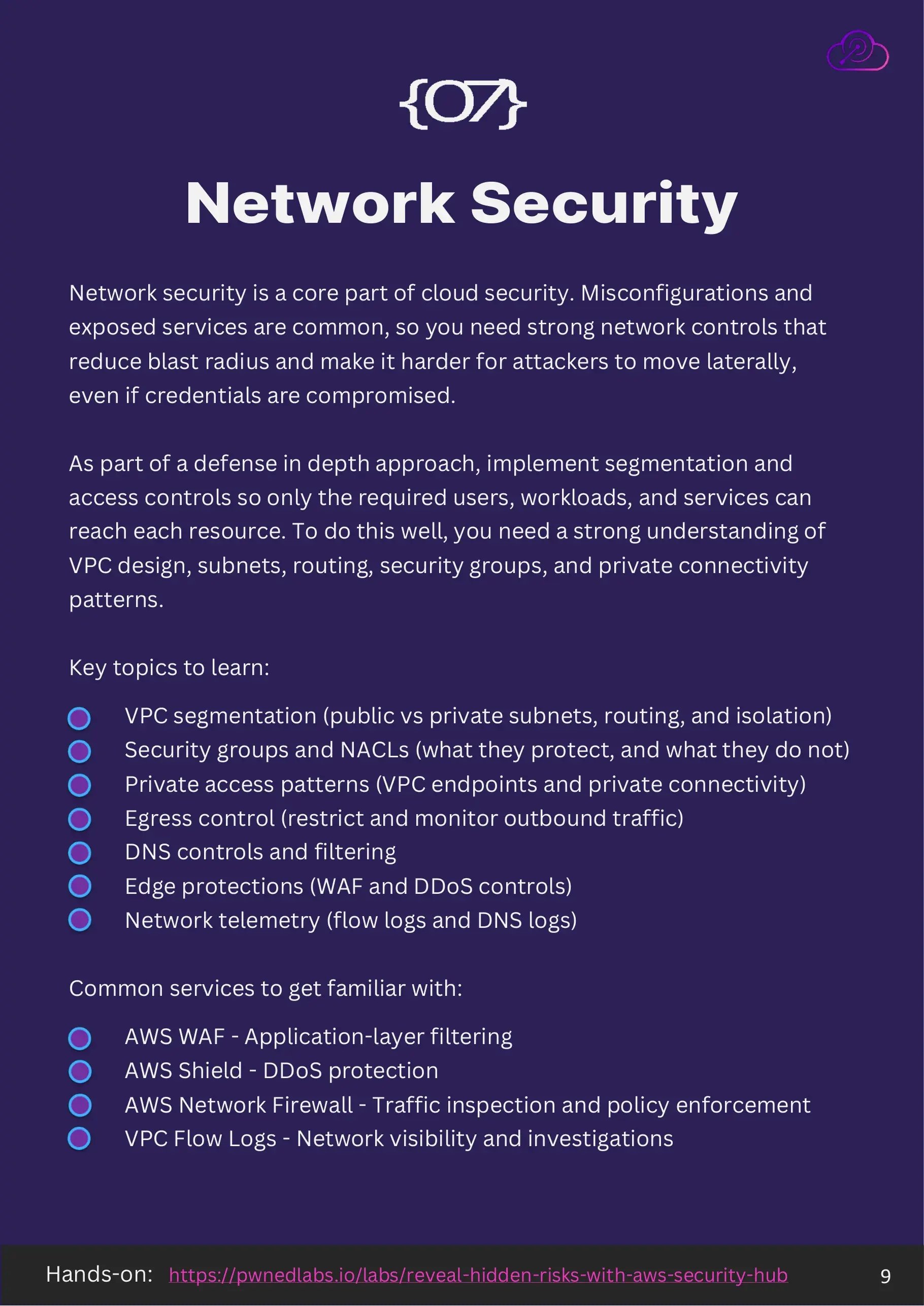
07. Network security
Network security remains a core part of cloud security. Misconfigurations and exposed services are common, and strong network controls reduce blast radius and make lateral movement harder even when credentials have already been compromised.
As part of defense in depth, segment the environment and apply access controls so that only the users, workloads and services that need to reach a resource can reach it. Doing this well requires a real understanding of VPC design, subnets, routing, security groups and private connectivity patterns.
Topics worth learning, roughly in order of impact:
- VPC segmentation: public and private subnets, routing and isolation
- Security groups and NACLs, including what they do not protect
- Private access patterns such as VPC endpoints and private connectivity
- Egress control, restricting and monitoring outbound traffic
- DNS controls and filtering
- Edge protections including WAF and DDoS controls
- Network telemetry from flow logs and DNS logs
On AWS, the services to get familiar with are AWS WAF for application-layer filtering, AWS Shield for DDoS protection, AWS Network Firewall for traffic inspection and policy enforcement, and VPC Flow Logs for visibility and investigations.
Hands-on: Reveal Hidden Risks with AWS Security Hub.
08. Data security
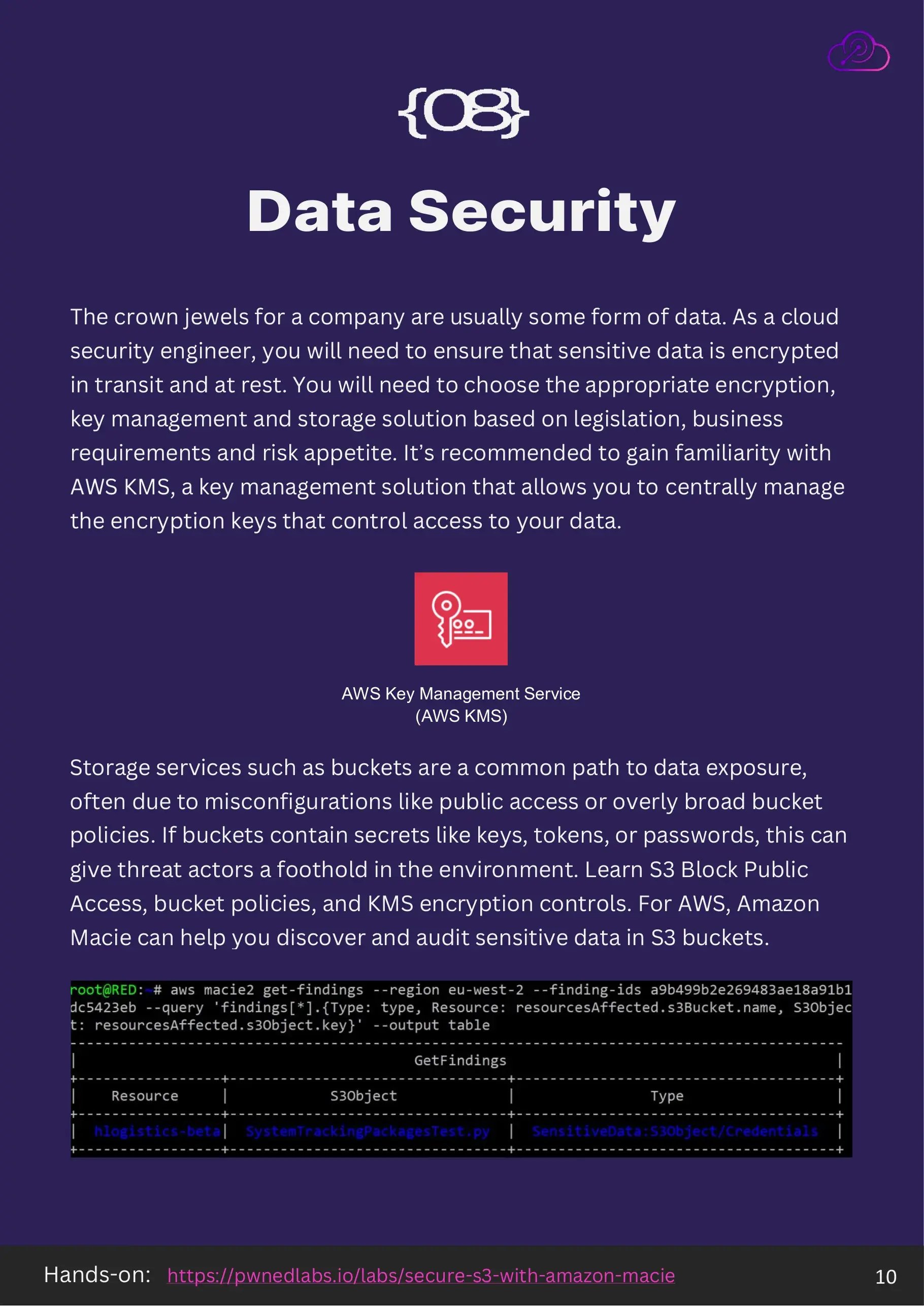
The crown jewels are usually data. Your job is to ensure sensitive data is encrypted in transit and at rest, and to choose the encryption, key management and storage approach that fits the legislation, the business requirements and the organization's risk appetite. AWS KMS is the service to start with, since it centrally manages the keys that control access to that data.
Storage services are a common path to exposure, usually through misconfiguration rather than anything exotic: public access left on, or a bucket policy written far more broadly than intended. When those buckets hold keys, tokens or passwords, a misconfiguration stops being a data issue and becomes an initial access route into the environment.
Learn S3 Block Public Access, bucket policies and KMS encryption controls. Amazon Macie is worth knowing for discovering and auditing sensitive data already sitting in S3.
Hands-on: Secure S3 with Amazon Macie.
09. Logging and monitoring
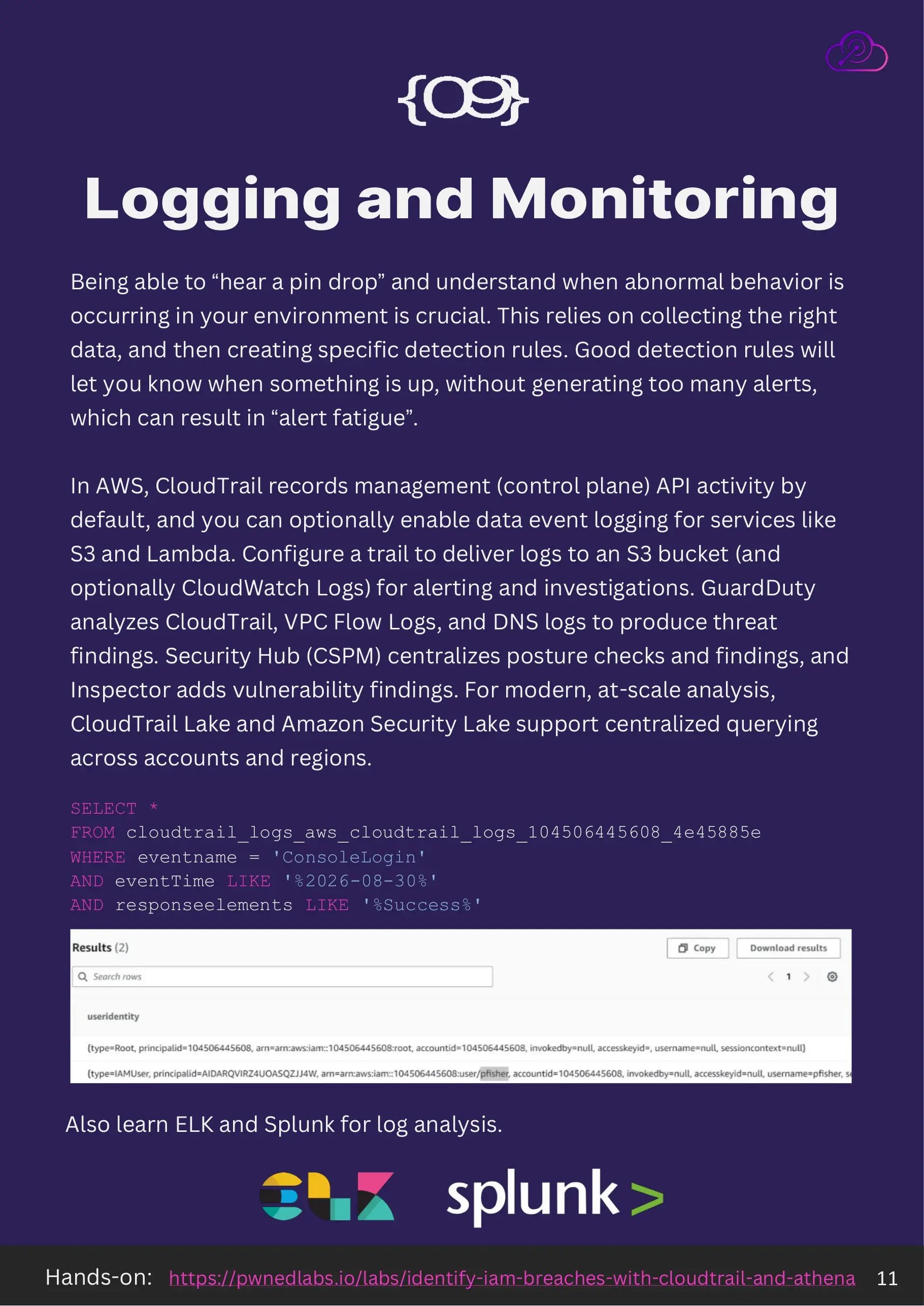
Being able to hear a pin drop in your own environment is what separates a team that finds intrusions from one that gets told about them. That depends on collecting the right data and then writing specific detection rules. Good rules tell you when something is wrong without burying you, because alert fatigue is itself a security failure.
In AWS, CloudTrail records management, or control plane, API activity by default. Data event logging for services such as S3 and Lambda is optional and off unless someone turns it on, which is the single most common gap discovered mid-investigation. Configure a trail that delivers to an S3 bucket, and optionally to CloudWatch Logs, for alerting and investigation.
Layer the managed services on top. GuardDuty analyzes CloudTrail, VPC Flow Logs and DNS logs to produce threat findings. Security Hub centralizes posture checks and findings. Inspector adds vulnerability findings. For analysis at scale across accounts and regions, CloudTrail Lake and Amazon Security Lake support centralized querying. Learning ELK and Splunk will serve you well beyond any one provider.
Hands-on: Identify IAM Breaches with CloudTrail and Athena.
10. Incident response and disaster recovery
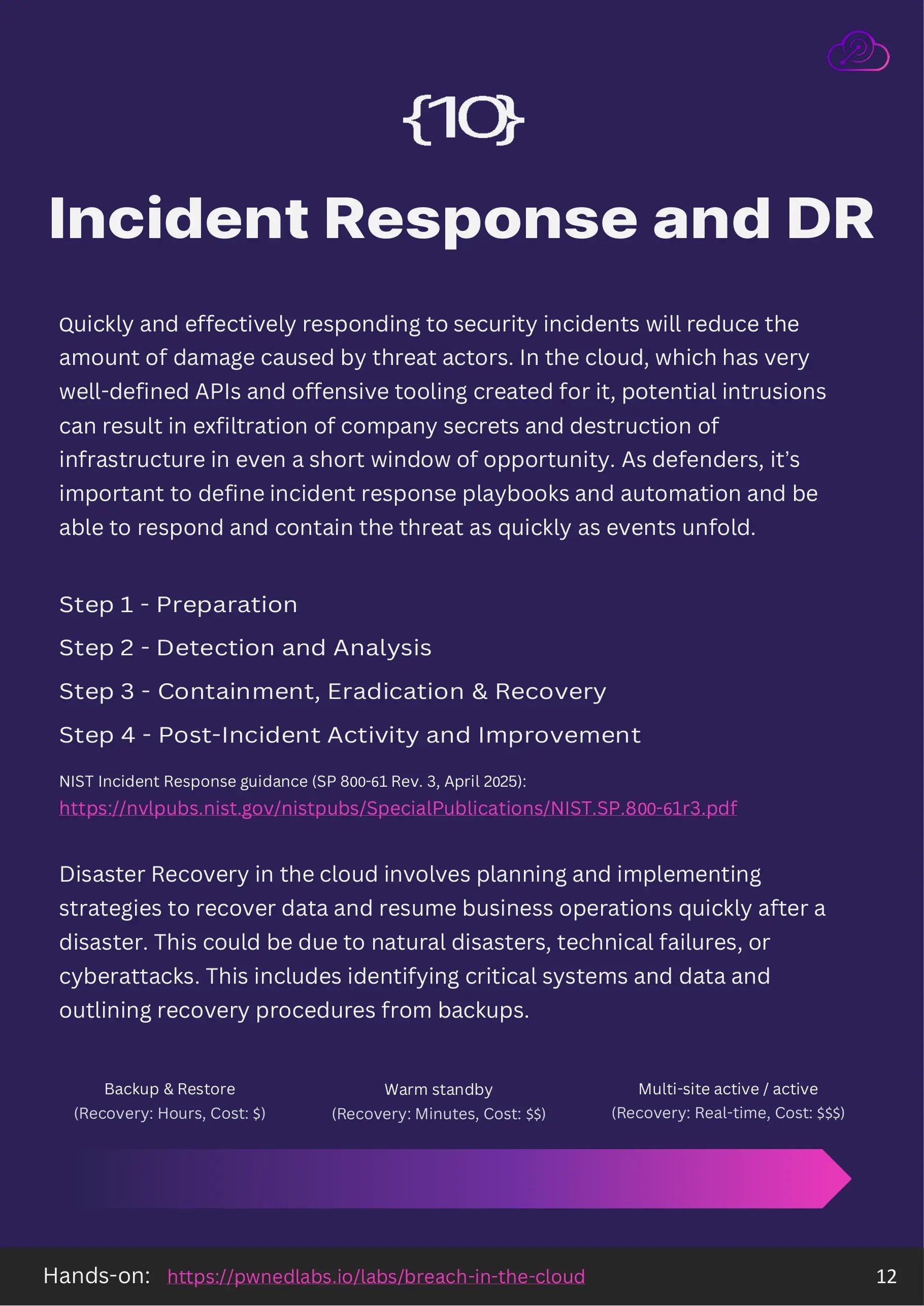
Responding quickly and effectively is what limits the damage. The cloud makes this more urgent than it was on-premises: the APIs are well defined, offensive tooling exists for all of them, and an intrusion can exfiltrate secrets and destroy infrastructure inside a very short window. Playbooks and automation need to exist before the event, not during it.
The standard structure has four phases: preparation, detection and analysis, containment, eradication and recovery, and post-incident activity and improvement. NIST SP 800-61 Revision 3, published in April 2025, is the current reference for this and is worth reading in full.
Disaster recovery is the other half. Identify the critical systems and data, then define and rehearse the recovery procedure. The three common patterns trade cost against recovery time: backup and restore recovers in hours at the lowest cost, warm standby recovers in minutes at moderate cost, and multi-site active/active recovers in real time at the highest cost.
Reference: NIST SP 800-61 Rev. 3. Hands-on: Breach in the Cloud.
Starting points
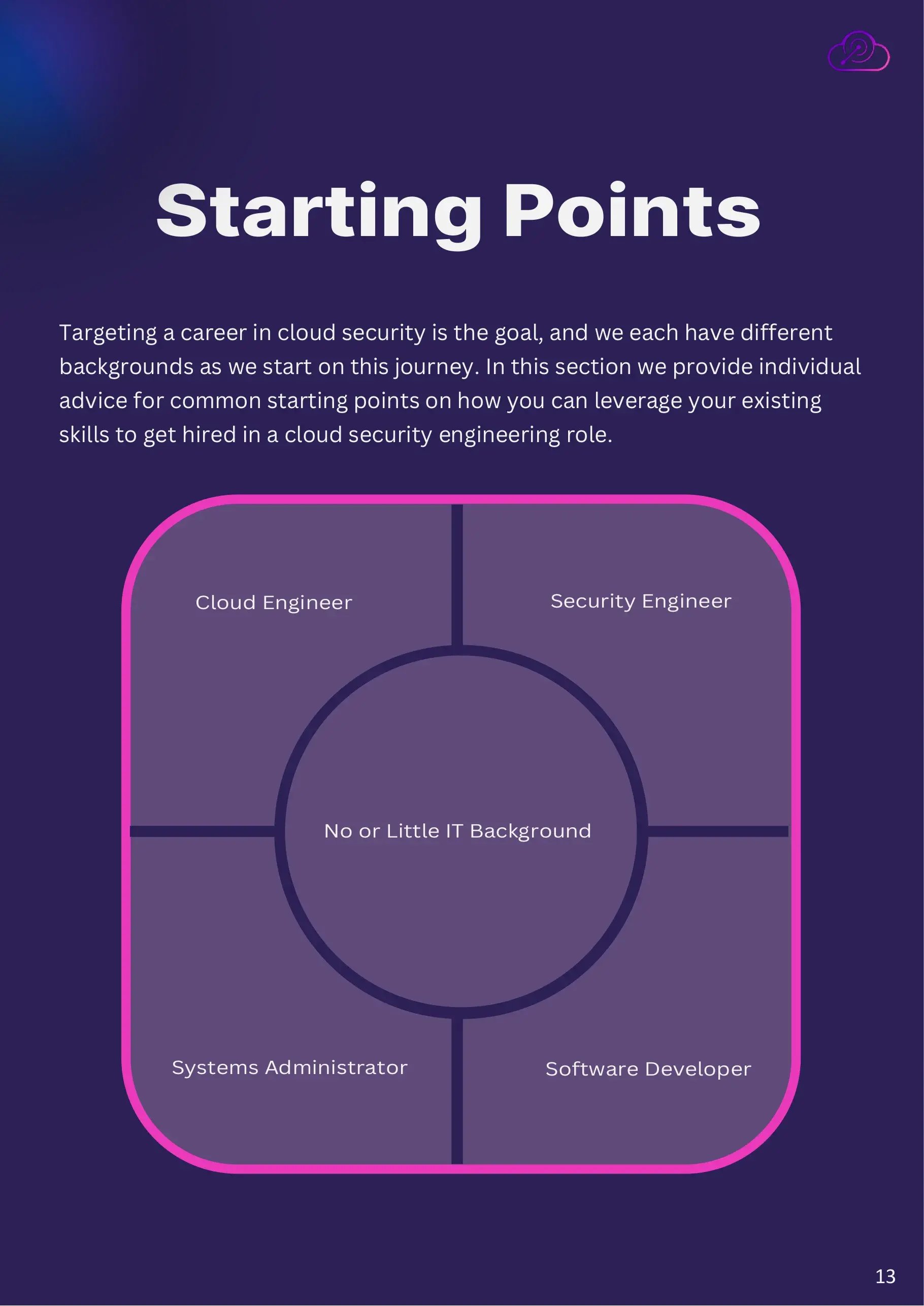
A career in cloud security is the goal, but everyone starts from somewhere different. These five sections cover the most common backgrounds and how to use what you already have.
Starting as a cloud engineer
Your cloud engineering skills transfer directly. Automation and scripting with Python and Terraform are exactly what security automation is built from, and your networking knowledge of VPCs and connectivity maps straight onto designing and implementing network security controls.
Along with security engineers, this is one of the shorter transitions. You already know the common mistakes, misconfigurations and bad practices that get made in cloud environments, possibly including some of your own, and knowing where the bodies are buried is a real advantage when you switch to protecting the environment.
Threat actors currently abuse native cloud platform and identity tooling to obtain administrative rights, move laterally between cloud environments, and build offensive infrastructure of their own. Your existing expertise means you know where to look and what does not look right.
What to add: a hacker's mindset, so you can reason about how something would be attacked before you design the mitigation, and familiarity with the specific security tools used by defenders and threat actors, beyond the standard cloud management console.
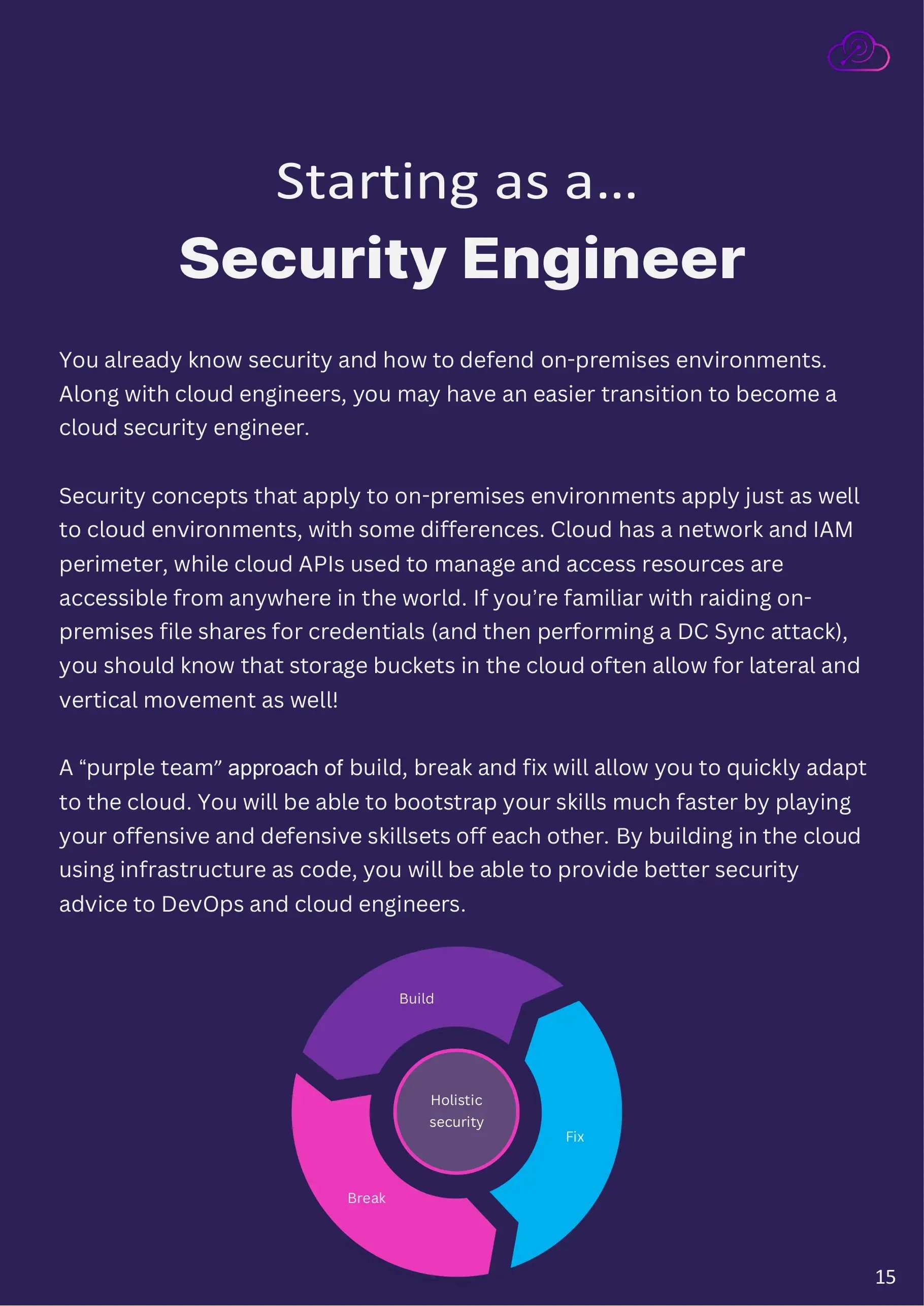
Starting as a security engineer
You already know security and how to defend on-premises environments, which puts you alongside cloud engineers as one of the easier transitions.
The concepts carry over with some important differences. The cloud has both a network perimeter and an identity perimeter, and the APIs used to manage and access resources are reachable from anywhere in the world. If you are used to raiding on-premises file shares for credentials and then running a DCSync attack, the equivalent instinct serves you well: storage buckets are frequently the route to both lateral and vertical movement.
A build, break and fix approach will get you there fastest. Playing offensive and defensive skills off each other bootstraps cloud knowledge quickly, and building in the cloud with infrastructure as code means the advice you give DevOps and cloud engineers is grounded in what they actually do.
Starting as a systems administrator
Depending on where you have worked you may already have significant security knowledge, especially at smaller companies without dedicated security staff. You are also familiar with the security mistakes end users make, and you probably already have opinions about designing systems that do not depend on users making good trust decisions.
A common and costly assumption is that existing on-premises workloads, processes and data can be lifted and shifted into the cloud where they will be secure by default. In reality defaults are often insecure and frequently support weaker settings for backwards compatibility. Many of the enterprise mistakes you already recognize translate directly.
You have an advantage as a skilled builder who reads documentation, and cloud documentation is good. If your background is VMware and local storage, the gap to close is deploying infrastructure as code with Terraform, Ansible or CloudFormation.
Once building is comfortable, develop the security side deliberately: read, watch, research, build deliberately vulnerable scenarios of your own, and work through labs and CTFs from training providers.
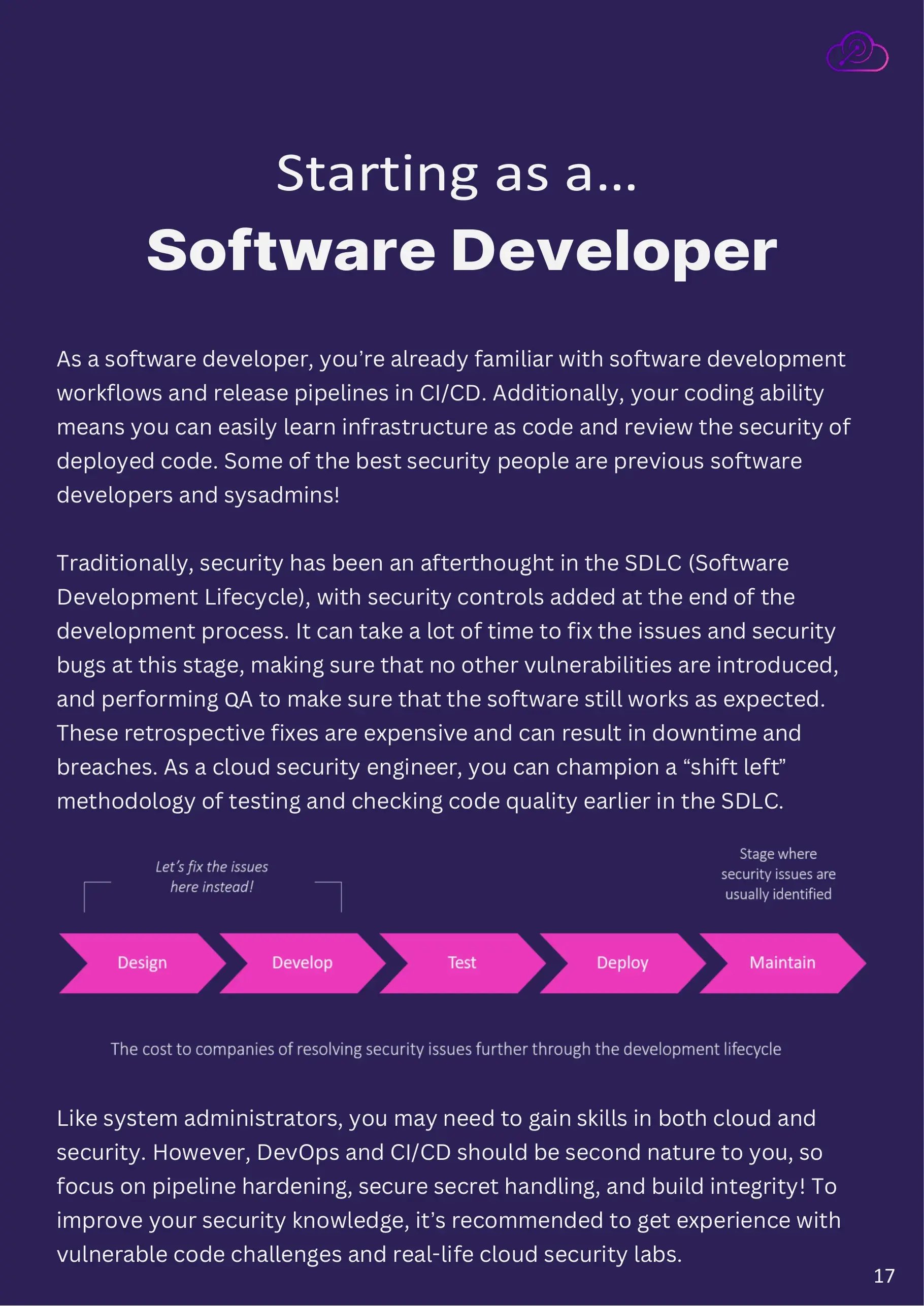
Starting as a software developer
You are already familiar with development workflows and release pipelines, and your coding ability means infrastructure as code and code security review come easily. Some of the strongest security engineers were previously developers or sysadmins.
Security has traditionally been an afterthought in the software development lifecycle, with controls bolted on at the end. Fixing issues at that stage is expensive: the fix has to avoid introducing new vulnerabilities, and QA has to confirm the software still behaves. Late fixes cause downtime and breaches. As a cloud security engineer you are well placed to champion shifting that testing earlier.
Like systems administrators, you may need to build both cloud and security knowledge. DevOps and CI/CD should be second nature, so focus your effort on pipeline hardening, safe secret handling and build integrity, and get hands-on with vulnerable code challenges and real cloud security labs.
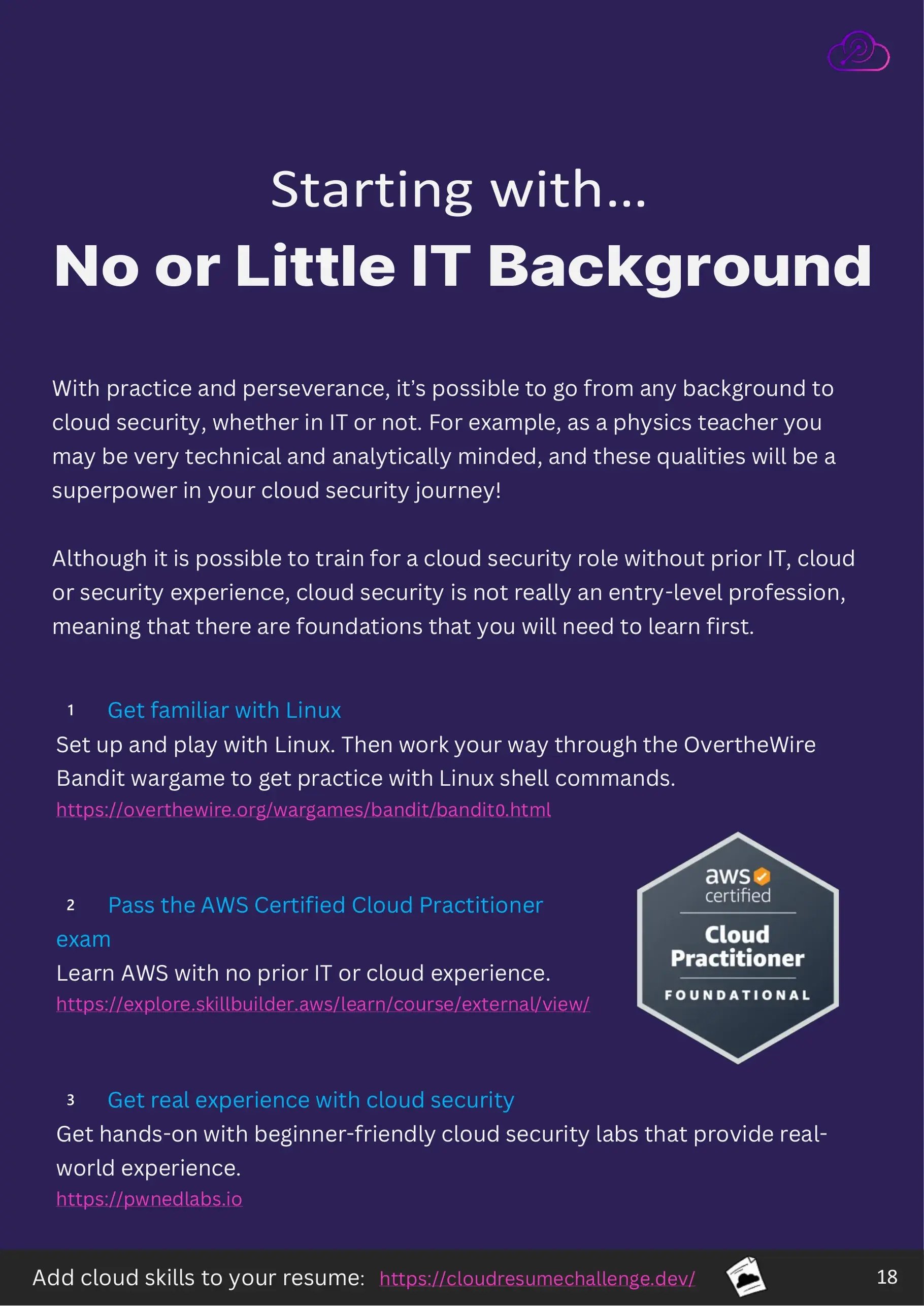
Starting with no or little IT background
With practice and persistence it is possible to reach cloud security from any background. A physics teacher, for instance, is typically technical and analytically minded, and both qualities are a real advantage here.
It is worth being honest about one thing: cloud security is not really an entry-level profession. It is reachable without prior IT, cloud or security experience, but there are foundations to build first, and skipping them makes everything afterwards harder. Three steps, in order:
- Get familiar with Linux. Install it, use it, then work through the OverTheWire Bandit wargame for shell practice.
- Pass the AWS Certified Cloud Practitioner exam. AWS Cloud Quest teaches AWS with no prior IT or cloud experience assumed.
- Get real experience with cloud security through beginner-friendly, hands-on labs.
A public project also helps you stand out. The Cloud Resume Challenge is a well-known way to put cloud skills on a resume with something you can point at.
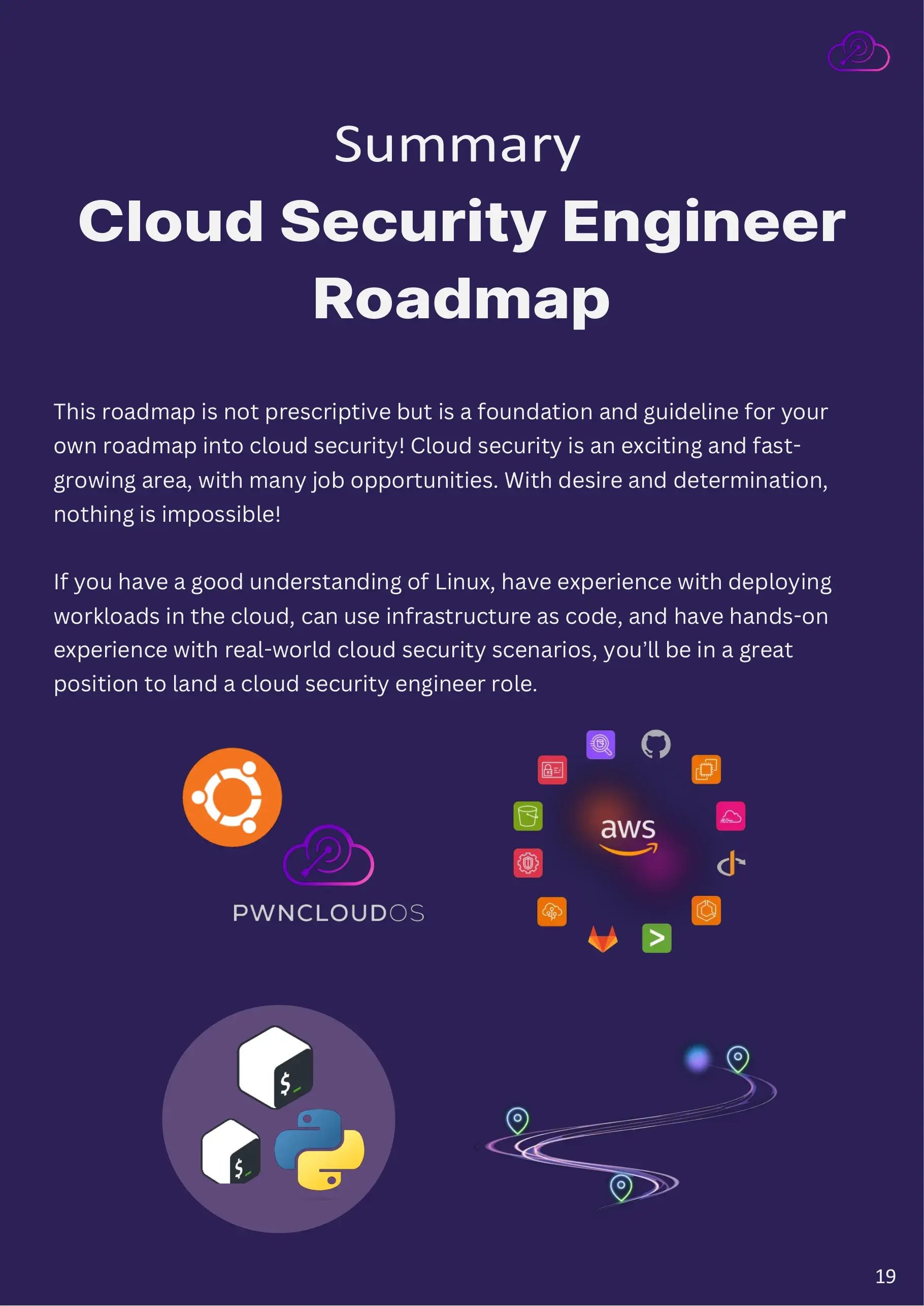
Summary
This roadmap is not prescriptive. It is a foundation and a guideline for building your own. Cloud security is a fast-growing field with a lot of open roles, and with desire and determination the route in is genuinely open.
If you have a solid understanding of Linux, experience deploying workloads in the cloud, working knowledge of infrastructure as code, and hands-on experience with real-world cloud security scenarios, you are in a strong position to land a cloud security engineer role.
Where to practice
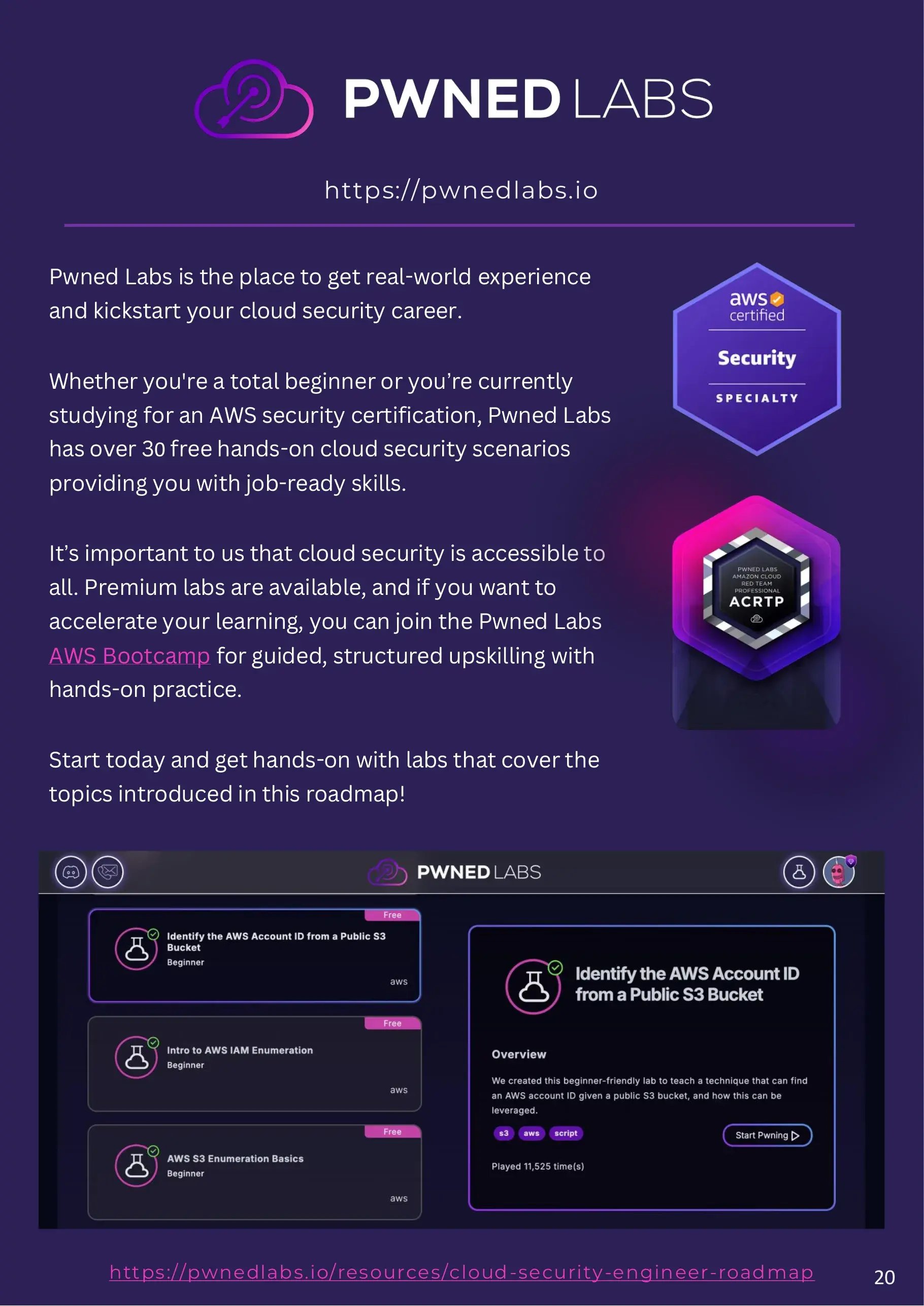
Pwned Labs is where you get the real-world experience the rest of this roadmap points at. Whether you are a complete beginner or studying for an AWS security certification, there are over 30 free hands-on cloud security scenarios that build job-ready skills.
Cloud security should be accessible to everyone, so a large part of the catalog is free. Premium labs go further, and the bootcamps provide guided, structured upskilling with hands-on practice if you want to move faster. Start with the labs that cover the topics in this roadmap, alongside over 40,000 practitioners.
Frequently asked questions
How long does it take to become a cloud security engineer?
There is no fixed answer, and it depends heavily on your starting point. Cloud and security engineers often make the move in a matter of months because most of the underlying knowledge already transfers. Coming from a systems administration or development background usually means adding one of the two domains rather than both. Starting with no IT background is a longer path, typically measured in a year or more, because the Linux and cloud foundations have to be built first.
Do I need a certification to get a cloud security job?
A certification is useful for getting through screening, particularly early on, but it is not what gets you hired. Employers hiring cloud security engineers are looking for evidence you can build, break and fix real cloud environments. The AWS Certified Cloud Practitioner is a reasonable first step if you are new to cloud. Beyond that, demonstrable hands-on work tends to carry more weight than another exam.
Which cloud provider should I learn first?
Whichever one your target employers actually run. AWS has the largest share of the infrastructure market and therefore the largest number of roles, which makes it a safe default. The specific choice matters less than the depth: learning one provider properly makes the others far quicker to pick up, because the concepts of identity, compute, storage and logging are shared even when the service names are not.
Is cloud security an entry-level role?
Not usually. It sits on top of foundations in Linux, networking and general cloud operation, and most job descriptions assume those are already present. That does not make it unreachable without prior experience, but it does mean the foundations come first. The roadmap is ordered that way deliberately.
Do I need my own cloud account to practice this?
No. Pwned Labs provisions live cloud environments for each lab, so you can practice attack and defense techniques against real infrastructure without setting anything up, paying for resources, or running anything against your own account.