
Beginner Friendly 

Compromise, Recon and Exfiltration in OCI
Compromise, Recon and Exfiltration in OCI is a free Pwned Labs lab in a live Oracle Cloud tenant.
Oracle Cloud Infrastructure is unfamiliar ground for many teams. Practice initial compromise, IAM and object storage reconnaissance, and data exfiltration in a live OCI tenant.
Overview
Oracle Cloud Infrastructure is unfamiliar ground for many teams. In this free lab you will practice initial compromise, IAM and object storage reconnaissance, and data exfiltration in a live OCI tenant.
Scenario
You are on a red team engagement against Mega Big Tech, an organization that has moved workloads to Oracle Cloud Infrastructure. Show how an initial foothold can be turned into sensitive data exfiltration.
Lab prerequisites
- Familiarity with the Linux command line
- An interest in cloud reconnaissance
Learning outcomes
- Gain initial access to an OCI tenant
- Enumerate the environment with oci-enum
- Perform reconnaissance against OCI IAM
- Access OCI Object Storage
- Exfiltrate sensitive data
Real-world context
As organizations adopt Oracle Cloud Infrastructure, attackers follow. Reconnaissance and object storage misconfiguration remain among the most reliable routes to data exposure across every cloud provider.
KEY TAKEAWAY
In Oracle Cloud Infrastructure, as in any cloud, a single foothold can be enough to map identities and policies and to find the buckets that hold sensitive data. What the compromised identity is allowed to list and read decides how far that foothold goes.
What this lab covers
Pwned Labs provisions a live Oracle Cloud environment for this lab, so you work the full attack chain against real infrastructure rather than a simulation.
The scenario is a red team engagement against Mega Big Tech, an organization that has moved workloads to Oracle Cloud Infrastructure. The goal is to show how an initial foothold can be turned into the exfiltration of sensitive data.
You gain initial access to the OCI tenant, enumerate the environment with oci-enum, perform reconnaissance against OCI IAM, and access OCI Object Storage to exfiltrate sensitive data.
It is a free lab rated beginner. The listed prerequisites are familiarity with the Linux command line and an interest in cloud reconnaissance, and prior OCI experience is not among them.
How OCI reconnaissance works
Oracle Cloud Infrastructure organizes resources into compartments within a tenancy, and IAM policies grant access with statements that allow a group to use a verb on a resource type in a compartment or across the tenancy. The verbs build on each other: inspect allows listing resources, read adds getting the resource itself, use adds working with existing resources, and manage includes all permissions for the resource.
Reconnaissance starts with what the compromised identity can see. Oracle documents that the operation to list policies includes the contents of the policies themselves, so an identity that can list policies can read who is allowed to do what in the compartments where it has that access.
Object Storage is the next target. Buckets are private when created, but a bucket can be made public so that anonymous users can download its objects, and a pre-authenticated request lets anyone holding the link reach a bucket or object without credentials of their own. Over-broad IAM policies are the third route, because an identity with read access to objects in a compartment can download the objects stored there.
How to detect this in your own environment
The OCI Audit service records calls to supported OCI public API endpoints, so IAM enumeration and bucket-level Object Storage activity leave a trail. A burst of list operations across users, groups, policies and compartments from a single identity looks different from normal administration.
Audit covers bucket-related events but not object-related events, so downloads of individual objects are visible only if read access logging is enabled for the bucket. Enable it on buckets that hold sensitive data, then alert on unusual read volumes and on reads made through pre-authenticated requests.
Credentials used from an unexpected network location, or at an unusual time, are a sign of compromise regardless of how they were obtained.
How to prevent it
Write IAM policies with the narrowest verb and the smallest compartment that work. An identity that only needs to list resources should hold inspect rather than read, and access to sensitive buckets should be granted in their own compartment rather than across the tenancy.
Keep buckets private unless there is a clear business reason for public access, give pre-authenticated requests short expiry times, and delete the ones that are no longer needed.
Treat API signing keys and other long-lived credentials as sensitive, rotate them, and remove the keys of users who no longer need programmatic access.
Real-world context
As organizations adopt Oracle Cloud Infrastructure, attackers follow, and the techniques carry over from other providers. Reconnaissance followed by access to misconfigured object storage is a well-established route to data exposure across cloud providers, and the same reasoning applies to OCI.
Where a team knows OCI less well than AWS or Azure, its IAM policies and bucket settings can receive less review, which makes basic reconnaissance more productive for an attacker.
The pattern maps to MITRE ATT&CK T1087.004 Account Discovery: Cloud Account, T1069.003 Permission Groups Discovery: Cloud Groups, T1619 Cloud Storage Object Discovery and T1530 Data from Cloud Storage.
Applying this at work
- List which identities can inspect or read IAM policies in your tenancy, and confirm each one needs that visibility.
- Find any public buckets and active pre-authenticated requests, and remove the ones that are not needed.
- Move sensitive data into compartments with tightly scoped read access.
- Enable Object Storage read access logging on buckets that hold sensitive data.
- Review OCI Audit logs for bursts of enumeration from a single identity.
Frequently asked questions
What can an attacker learn from OCI IAM reconnaissance?
Who the users and groups are, which compartments exist, and which policies grant which access. Oracle documents that listing policies returns the policy statements themselves, so an identity that can list them can work out where its own access, and other identities' access, leads.
How does data in OCI Object Storage get exposed?
Data can be exposed when a bucket is made public so that anonymous users can download its objects, when a pre-authenticated request link grants access without credentials, or when IAM policies give an identity read access to objects it does not need.
Is Compromise, Recon and Exfiltration in OCI free?
Yes. It is a free Pwned Labs lab rated beginner. For a next step, the premium Leverage LFI for RCE and OCI Access lab starts from a web application flaw and moves on to OCI Vault and IAM abuse.
Do I need my own Oracle Cloud account to practice this?
No. The lab runs in a live Oracle Cloud environment that Pwned Labs provisions for you, so there is nothing to set up and no risk to your own tenancy.
About Pwned Labs
Pwned Labs is a hands-on cloud and AI offensive security training platform. It runs real-world attack labs and bootcamps for AWS, Azure, GCP, Kubernetes and AI systems, including the ACRTP, MCRTP, GCRTP, KRTP and AISRTP certifications. Free labs are at pwnedlabs.io/explore.
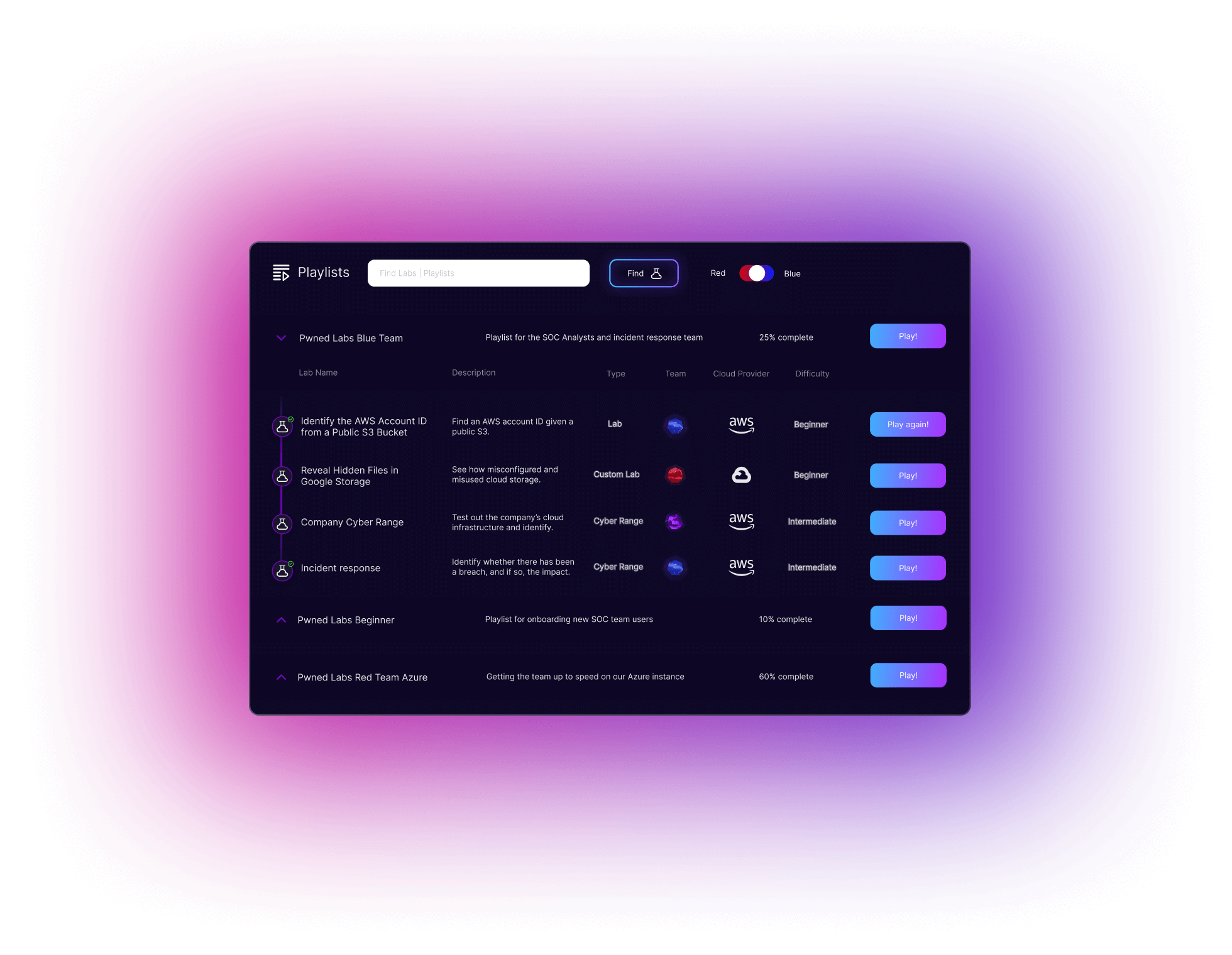
Cloud Security Training To Protect Your Business
Pwned Labs for Business gives your team access to dedicated business content, including labs and cyber ranges.
We also offer in-person or remote workshops, and our cloud penetration services are helping businesses become more secure!